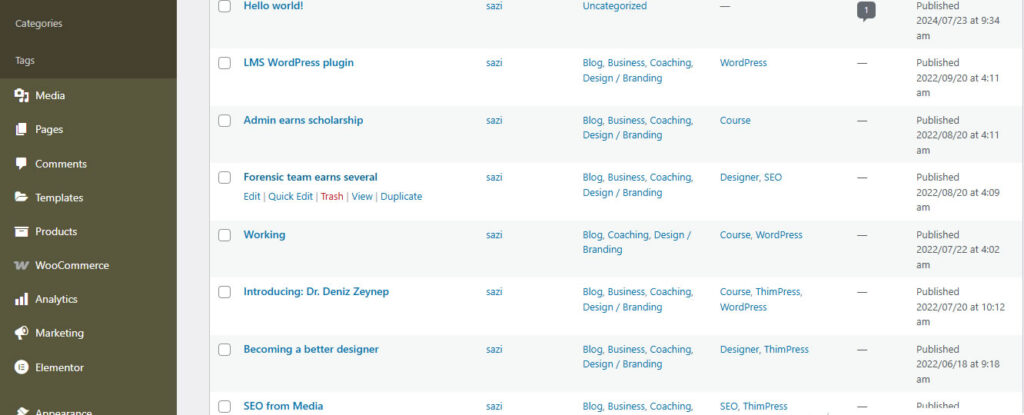
To edit a post, pclick on Posts menu and then click on All Posts. A list of all posts available will show. Hover over the post you want to edit and click on either Quick Edit to edit basics of the course or on Edit to edit the entire course.

< 1 min read
To edit a post, pclick on Posts menu and then click on All Posts. A list of all posts available will show. Hover over the post you want to edit and click on either Quick Edit to edit basics of the course or on Edit to edit the entire course.


